
Searching for a Warrant in Alfalfa County
The Alfalfa County Sheriff posts no public name list you can search. So the county route begins with a court record instead. Pick the right court in OSCN when the case sits in the state court network. If the public page routes a matter to a non-OSCN county search, turn to ODCR. Whatever the docket shows, a warrant search here is only a first read. Later events need review, and the Court Clerk confirms what stands now. Keep the scope tight too: your own name, a known case or citation number, the court, and a date. A city case, child support, a federal matter, a sealed file, or a brand-new filing may never appear in the District Court docket, so a blank screen is not the final word.
- Identify the court from the notice or prior case paperwork.
- Try OSCN with the county or court and known case number.
- Use ODCR if OSCN routes the matter to a non-OSCN court.
- Read later docket entries for recall, quash, release, payment, or compliance.
- Call the Court Clerk or issuing city for a current answer before relying on a blank result.
The Alfalfa County Sheriff's main line handles service questions, not searches. The office publishes no warrant desk, no public search form, and no update schedule.
Alfalfa Docket Route: OSCN to ODCR
OSCN lets you pick an Alfalfa County court or type a case number. ODCR goes further, with party, case-type, and date filters. Choose the live Alfalfa option. The county's District Judge page names the judges but lists no roster of any kind. View the OSCN source to reach the court-picker and case-number box.
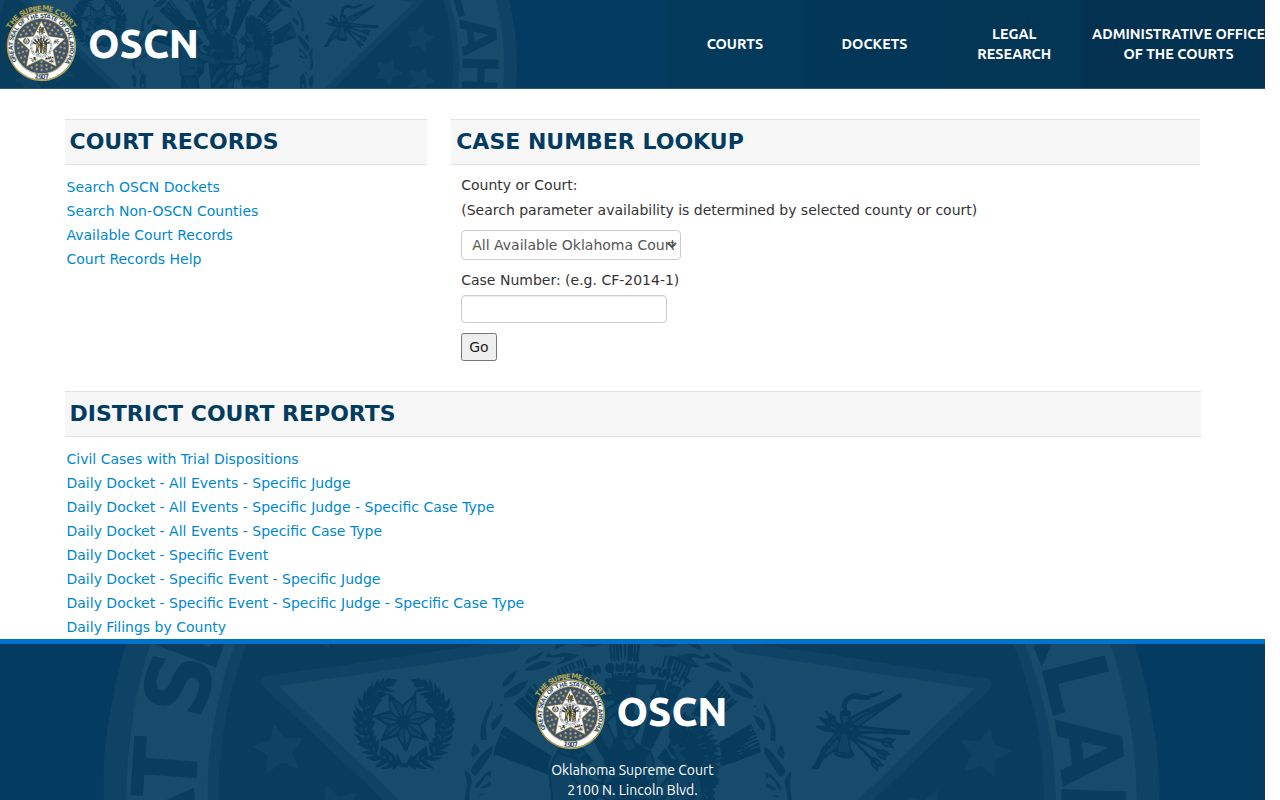
The form only maps a court-search route. The clerk, not the form, confirms later events. ODCR stands apart from any Sheriff roster and answers no Alfalfa County warrant question by itself. Open the ODCR source for its live search controls.
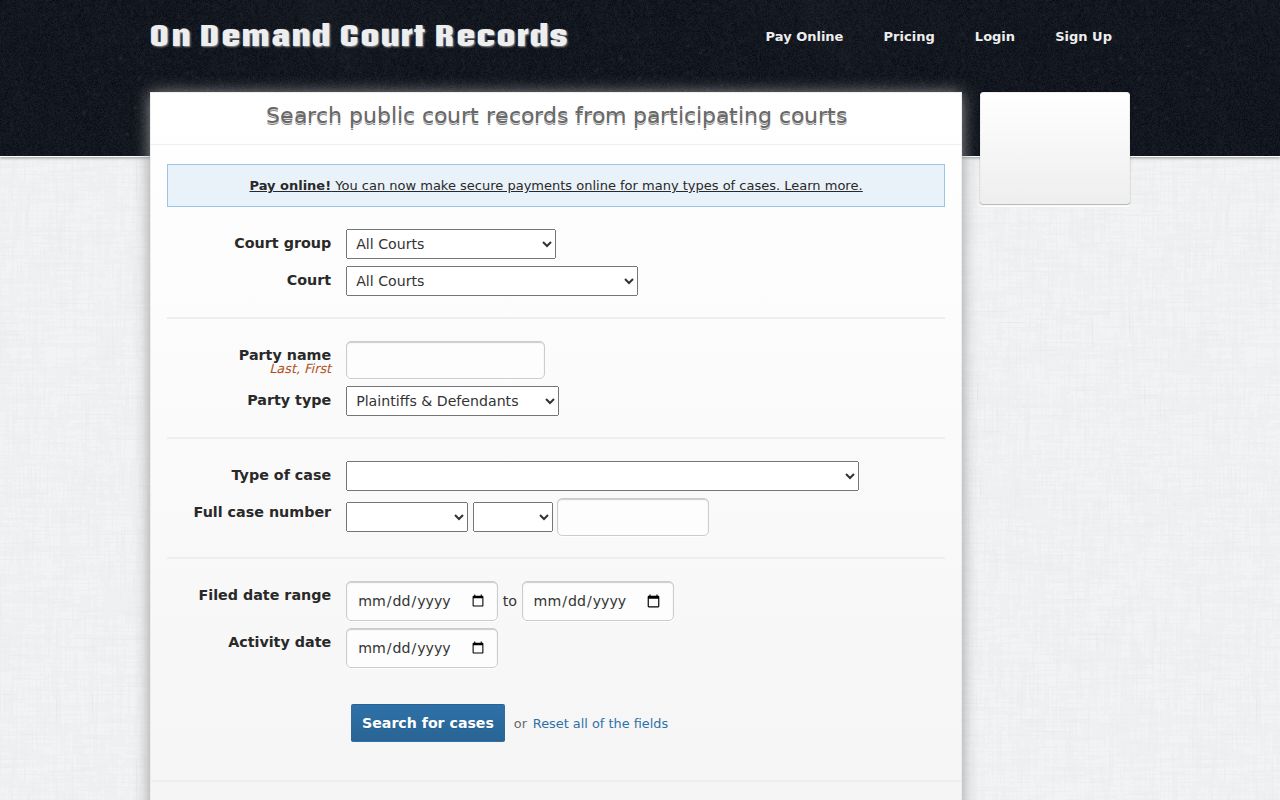
Use the narrowest known fields and save the search date.
Warrant Search Fields Explained
OSCN and ODCR offer different fields. A case number narrows a search best. A name alone can pull up several parties, and a date filter helps separate an old event from a later compliance entry. Remember that these public fields describe an Alfalfa County docket search, not the Sheriff's internal warrant system.
| Field | Where seen | Practical use | Limit |
|---|---|---|---|
| County or Court | OSCN | Select the Alfalfa court. | Live options can change. |
| Case number | OSCN and ODCR | Use a known prefix and number. | Do not invent a number format. |
| Last and first name | ODCR | Narrow a party search. | Common names still need verification. |
| Type of case | ODCR | Separate likely criminal, civil, or traffic material. | Live choices are not fully transcribed. |
| Filed or activity date | ODCR | Find a hearing, FTA, or compliance event. | A date is not a current status. |
The Alfalfa County Court Clerk keeps the permanent District Court record, so that office answers any question about a later docket entry.
Why an Alfalfa Search Can Miss a Warrant
A blank result in an Alfalfa County search has many causes. It could be the wrong court. It could be a sealed or juvenile file, a brand-new event, or a municipal, child-support, or federal matter. None of that proves no warrant exists. OSCN case numbers carry clues: CF for felony, CM for misdemeanor, TR for traffic. Treat them as hints only. Cherokee and other city matters can sit outside the District Court docket entirely.
Read the sequence: “BENCH WARRANT ISSUED” should be checked against later recall, quash, appearance, payment, compliance, or release entries.
When the portal comes back blank or unclear, note the court you selected. Then call the Court Clerk at 580-596-3523. Ask which office holds the record and what details the clerk needs to confirm an Alfalfa County warrant.
What an Alfalfa Warrant Search Shows
A court search can surface a case event and its fields. It will not show every law-enforcement status, sealed affidavit, private identifier, or service detail, so ask the clerk about the current next step for an Alfalfa County matter.
| Issuing court | Shows which court created the order or event. |
|---|---|
| Case or citation | Connects the event to the known matter. |
| Event date | Places the failure to appear, warrant, recall, or compliance entry in order. |
| Judge or officer | May identify the judicial action shown in the public docket. |
| Disposition or recall | Can show later action, but current status still needs confirmation. |
A result may omit the warrant number, bond amount, physical description, and service agency. No standard public format for Alfalfa County warrant details exists.
Alfalfa County Record Ownership
In Alfalfa County, the Court Clerk keeps the District Court file. The Sheriff serves that court's process. The County Clerk plays a separate role with judgments and tax warrants, not the criminal file. The offices sit together on one county contact page, which makes routing easier. Open the Alfalfa County contact directory for the official list of offices.
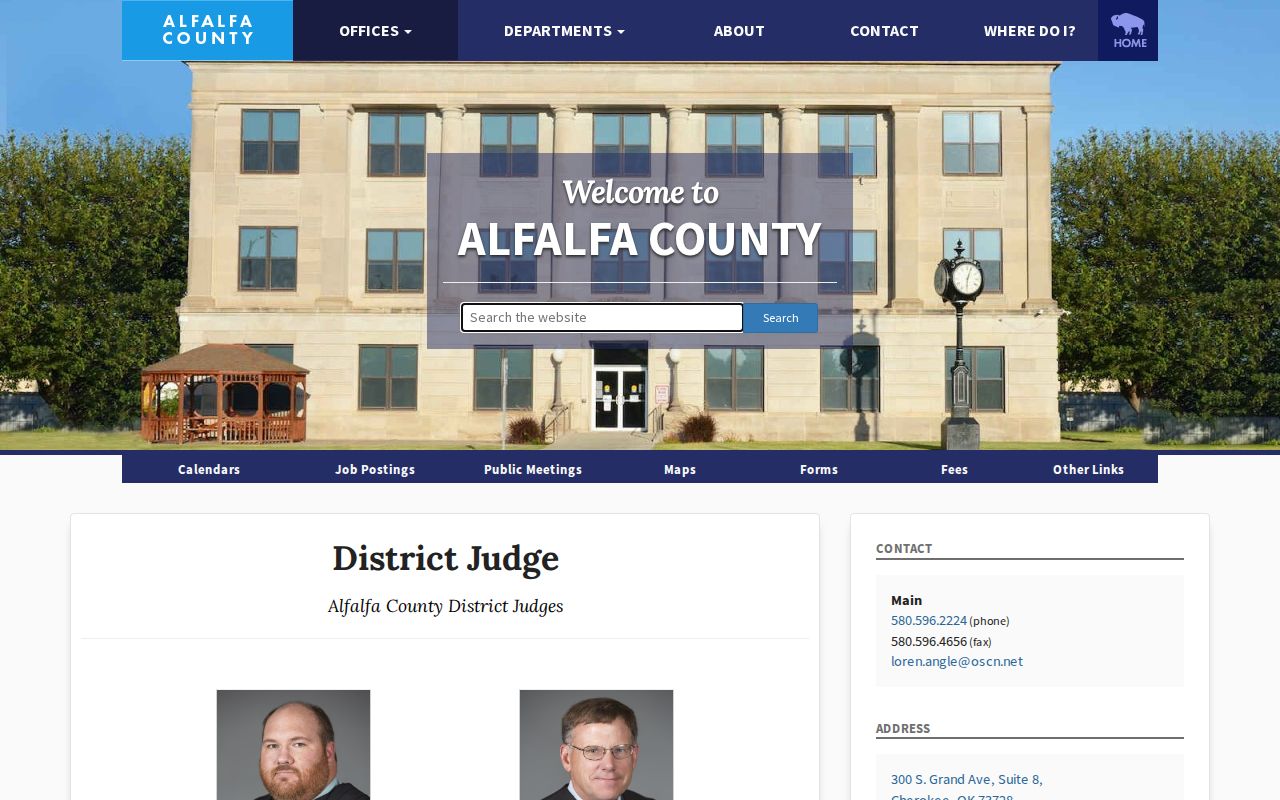
Take each question to the office that owns the record. Then ask whether a later court entry or another Alfalfa County agency controls the answer.
Where to Check Warrants in Alfalfa County
For a District Court case in Alfalfa County, begin with OSCN or ODCR, then confirm with the Court Clerk. For service or custody procedure, call the Sheriff's published main number. For a Cherokee ordinance or traffic citation, start with the city police or the municipal-court route in Chapter 6 of the city code. For any other town, use the citation to find the issuing court. Most municipalities publish no current contacts. Oklahoma runs no public statewide warrant portal either. OLETS stays restricted to agencies, CHIRP covers criminal history only, and a traffic question needs a court check plus a separate Service Oklahoma inquiry.
Alfalfa County Municipal Search Gap
Cherokee's municipal court is not a court of record under the city code. Sections 6-121 and 6-122 describe a summons, a missed response or appearance, and a possible municipal arrest warrant. The city's meetings page lists municipal-court dates but no name search, warrant roster, bond table, payment form, or recall form. So a Cherokee warrant can be nearly invisible online. The state DPS table from 2015 named Aline, Amorita, Burlington, Byron, Carmen, Cherokee, Goltry, Helena, Ingersoll, Jet, and Lambert as municipal-court reporting locations. Treat that table as a historical lead. It guarantees nothing about current addresses, clerks, phone numbers, or portals. For a city citation anywhere in Alfalfa County, ask the issuing city which office now keeps the record. County offices do not automatically serve as the city-court clerk.
Restricted Warrants and Access Rules
Alfalfa County follows the Oklahoma Open Records Act, 51 O.S. §§24A.1–24A.30, which opens most public records but keeps exemptions. Warrant dispositions fall under one of those limits, 24A.8(A)(6). Title 10A adds protection for juvenile and social records. Sealed or investigative material stays out of an ordinary public search.
Access rule: Ask the specific custodian for a narrow, non-exempt record and request segregable material. A public-record route is not a promise of an unredacted person-level file.
The OAG request guidance tells you to contact the agency that holds the material. Name the court, date range, case number, and format you want. Alfalfa County publishes no single local form or deadline.
A Narrow Alfalfa County Records Request
A records request in Alfalfa County works best when it is narrow. Ask the Court Clerk for court files, the Sheriff for sheriff-held process, the city for municipal material, and the County Clerk for tax warrants. Each request should name the office, the category, the date range, the case or citation number, the format you want, and a fee estimate. The OAG summary backs asking about a warrant's disposition, with exemptions noted. Keep the date handy, and never send sensitive data or money to an unsolicited caller. The District Attorney handles prosecution.